

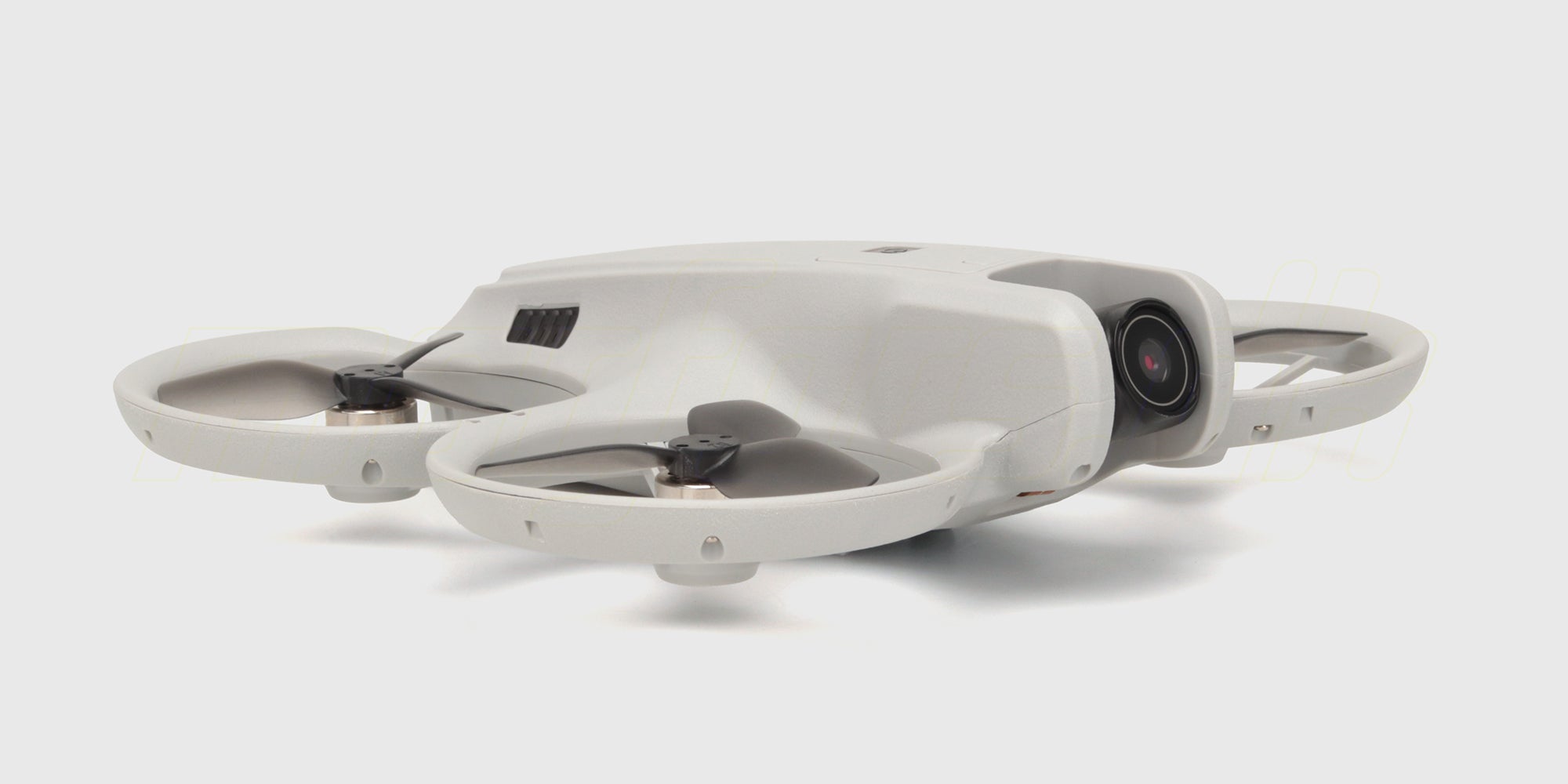
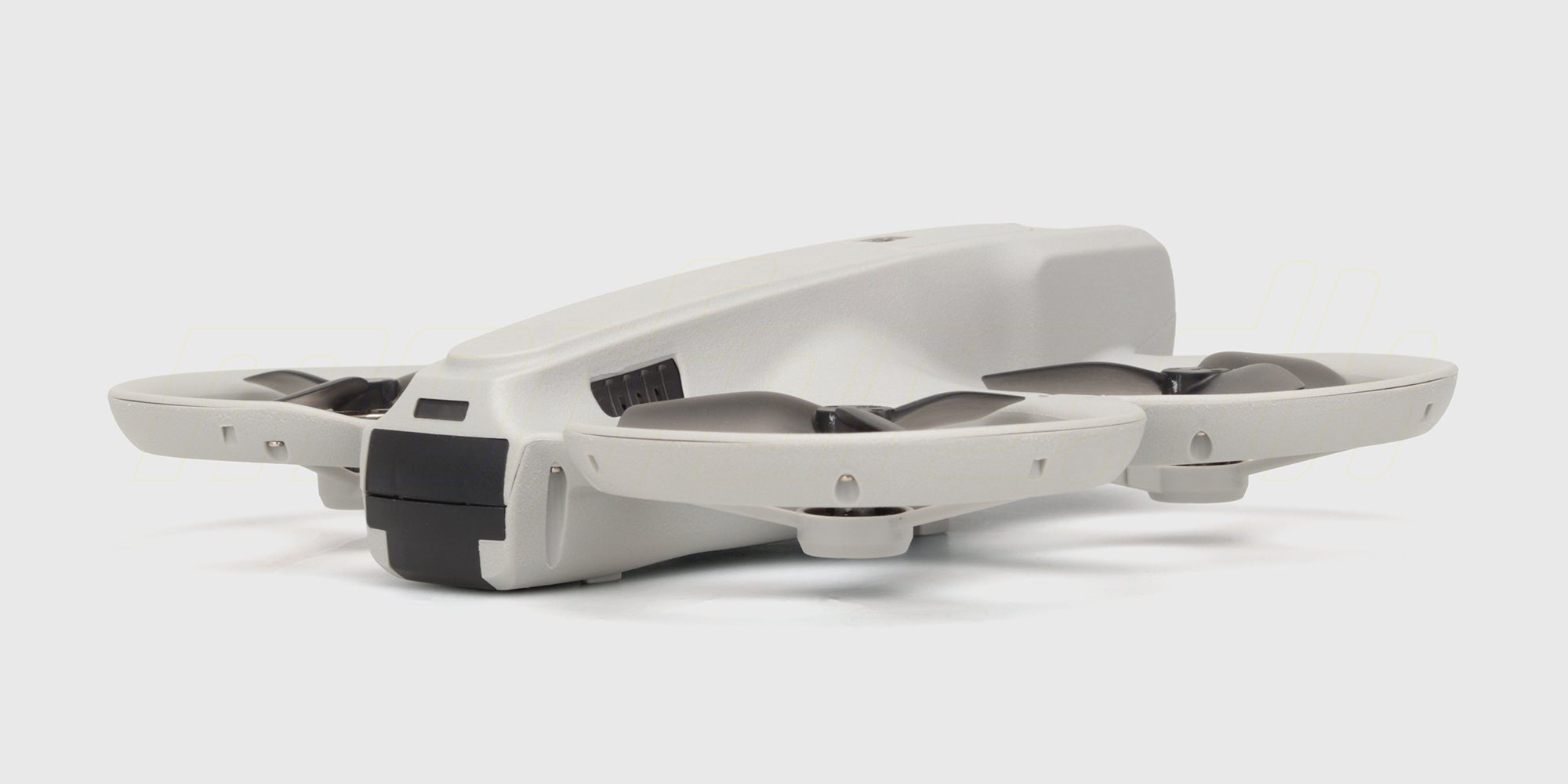
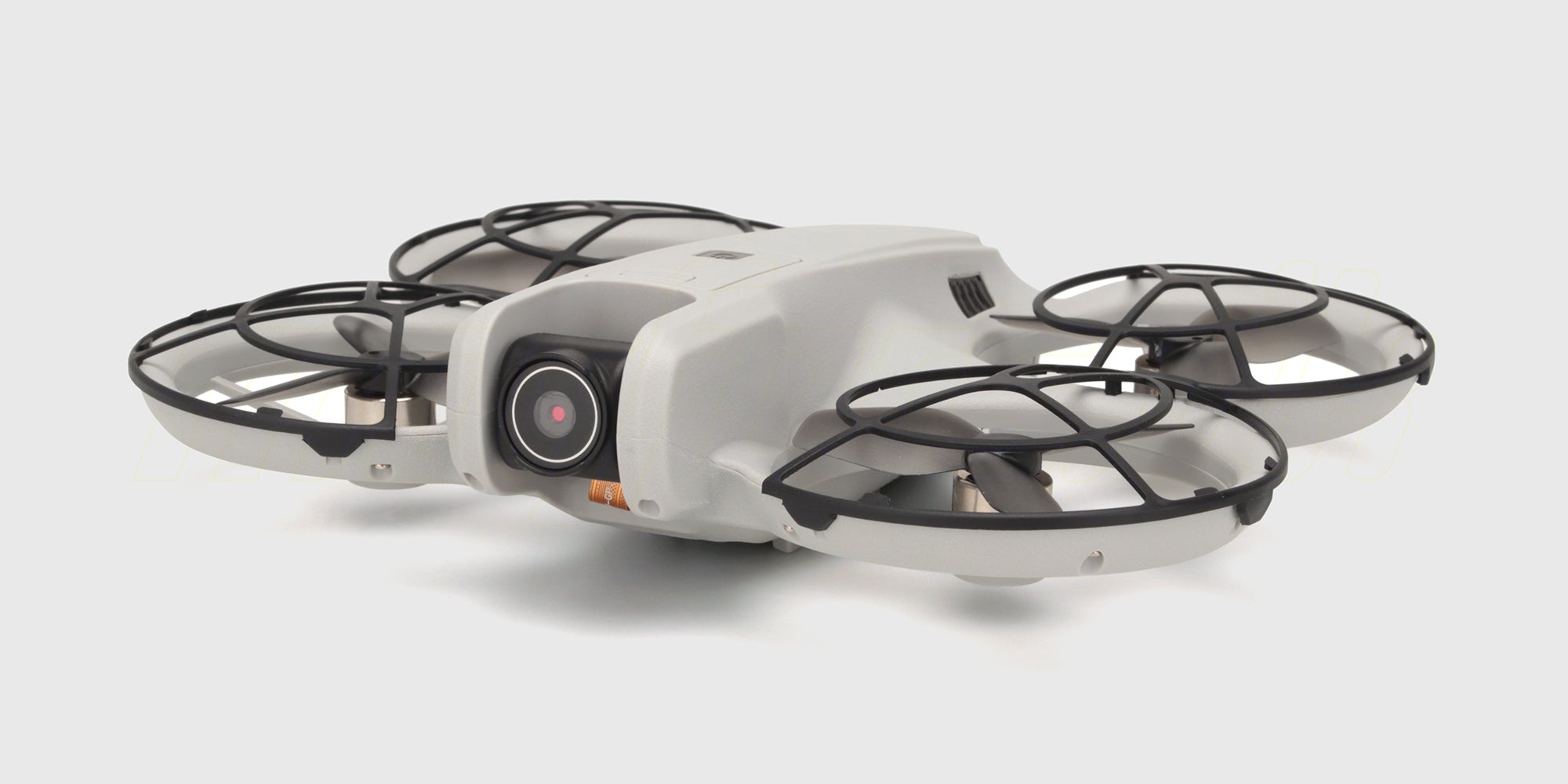
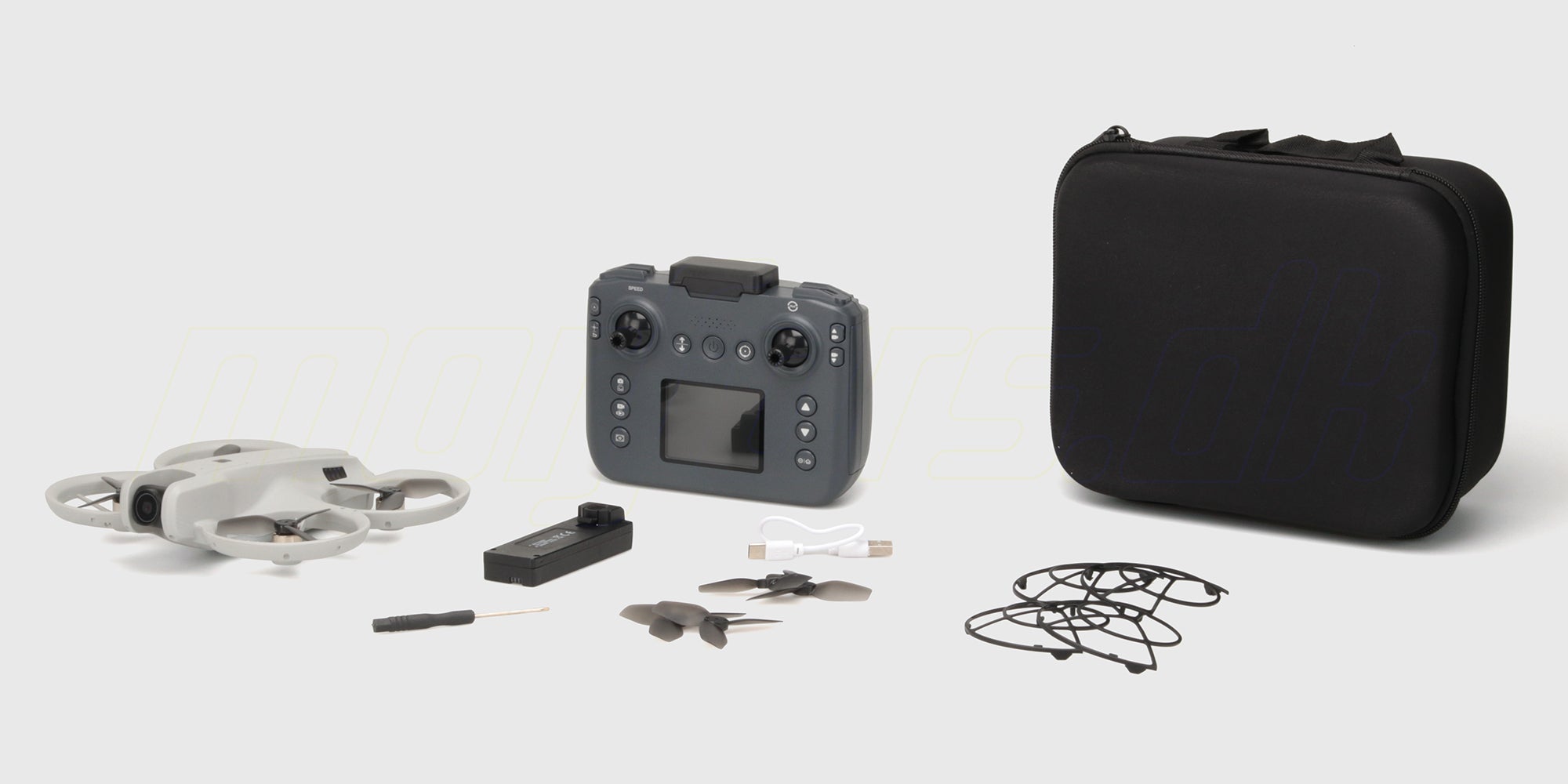
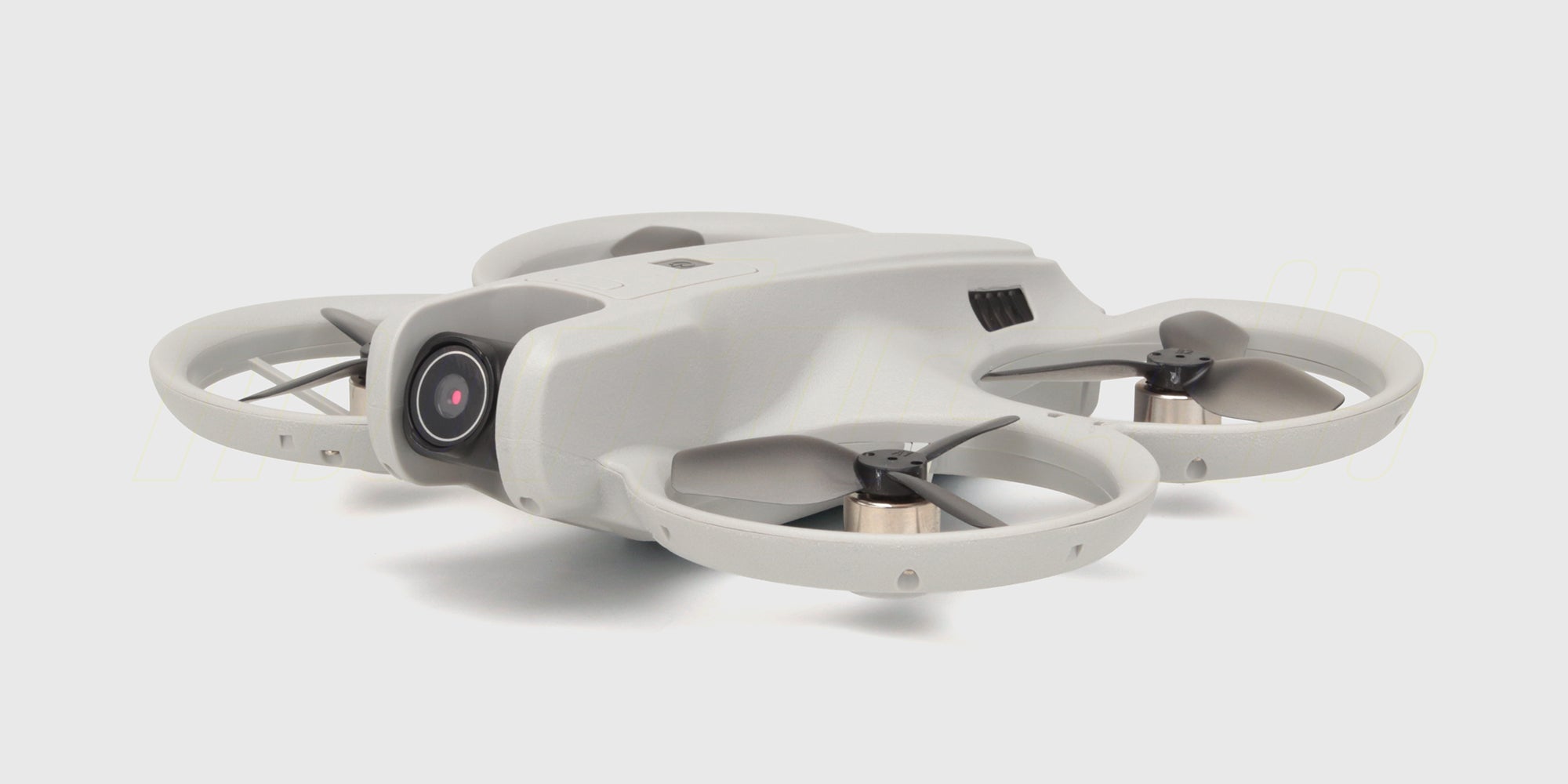
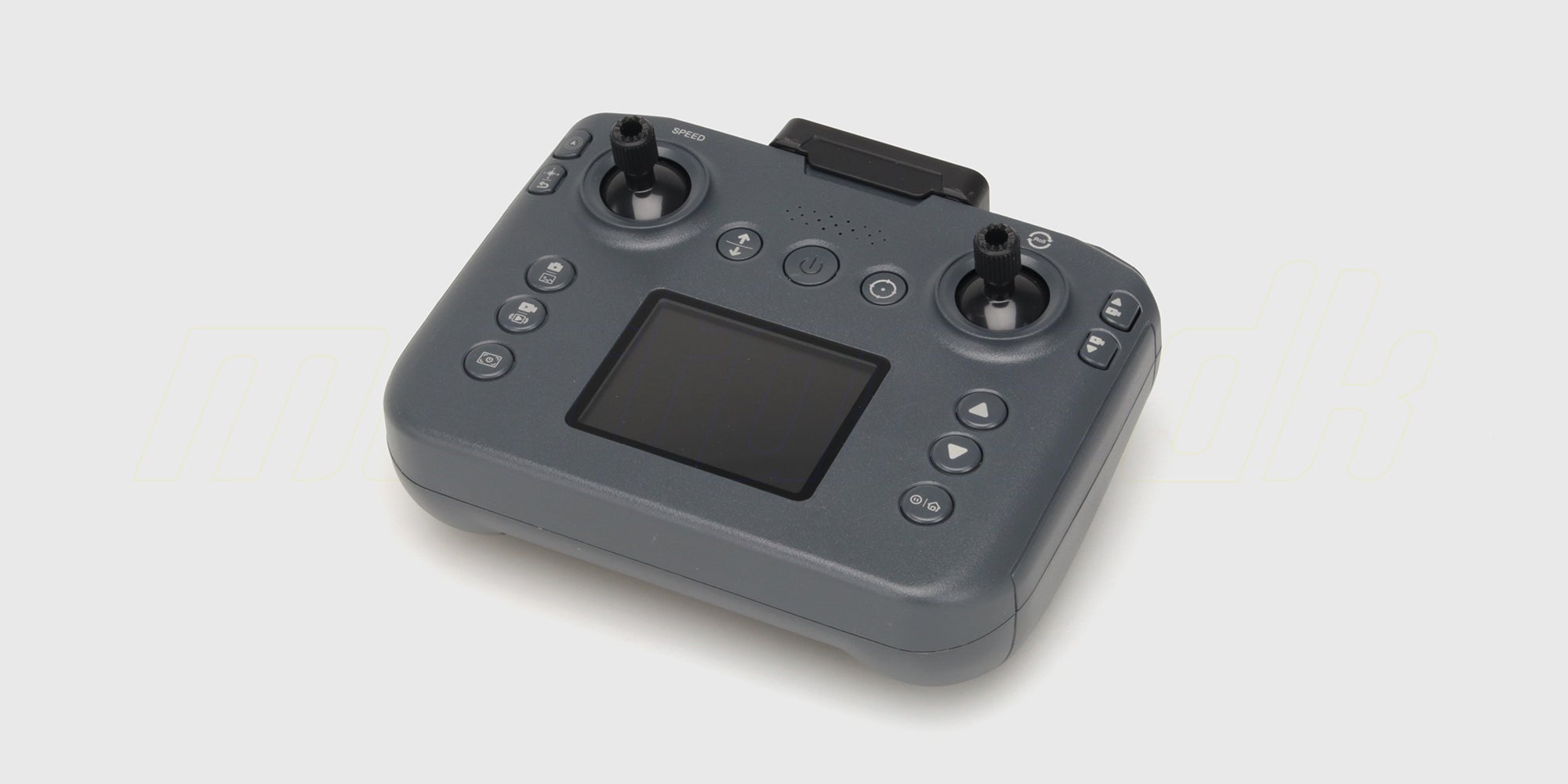
The Drone M6 Zoomer is a beginner-friendly drone that comes with everything you need: a camera with tilt function, a small screen on the transmitter, and a handy storage case. You can be airborne 10 minutes after opening the box, and there's no app to download or configure unless you want to. It's a great gift or a perfect first drone for the curious. Read more
Accessories for Drone M6 Zoomer
Drone M6 Zoomer
Powerful brushless motors
Screen on the transmitter
Comes with a bag
All about Drone M6 Zoomer
Description
The Drone M6 Zoomer is a beginner-friendly drone that comes with everything you need: a camera with tilt function, a small screen on the transmitter, and a handy storage case. You can be airborne 10 minutes after opening the box, and there's no app to download or configure unless you want to. It's a great gift or a perfect first drone for the curious.
Screen on the transmitter — no smartphone needed
The transmitter has a small built-in screen, so you can view the live feed from the drone without connecting your mobile. This is a pretty big advantage at this price point, where a phone is usually required. If you prefer a bigger and sharper image, you can stream to your smartphone via the iOS or Android app.
Here's what you get
- Camera with tiltable lens — angle the camera up or down during flight
- Small screen directly on the transmitter (see the image without a smartphone)
- Altitude hold — drone maintains height when you let go of the stick
- Brushless motors — more power and longer lifespan than simpler brushed motors in cheaper models
- Foldable arms — easy to pack up
- Handy storage case with space for the drone, transmitter, and accessories
- Flight time up to 15 minutes per battery
- Range up to 40 meters — perfect for backyard, lawn, or indoor flying
- Starting weight 120 g — well under the lightest EU category
Who's the M6 Zoomer for?
The M6 Zoomer is for those who want to start with drones without investing in a professional camera tool. It’s ideal as a first drone, a gift for a curious teenager, or if you just want to see if drone flying is for you. For the price, you get a pretty complete package — screen, camera, case, and extra propellers — which would otherwise require several hundred more on other models in the class.
If you're after image quality, like videos for social media or aerial holiday memories, you should look a level up. The camera on the M6 Zoomer is good for seeing what the drone sees, but it's not built for content production.
What can you expect for the price?
The M6 Zoomer is a toy drone, not a camera drone. This means it can take a bit of wear, but not too much: collisions with walls, branches, and floors happen, but with robust design, you might be lucky. Props, camera lens, and arms can be damaged if hit hard — that's why there are extra propellers in the box. We also have replacement propellers and extra batteries in stock.
The short range (up to 40 m) means you need to stay close to the drone, especially at first. It's also a good limitation if a beginner is at the controls — it won't fly off over the trees.
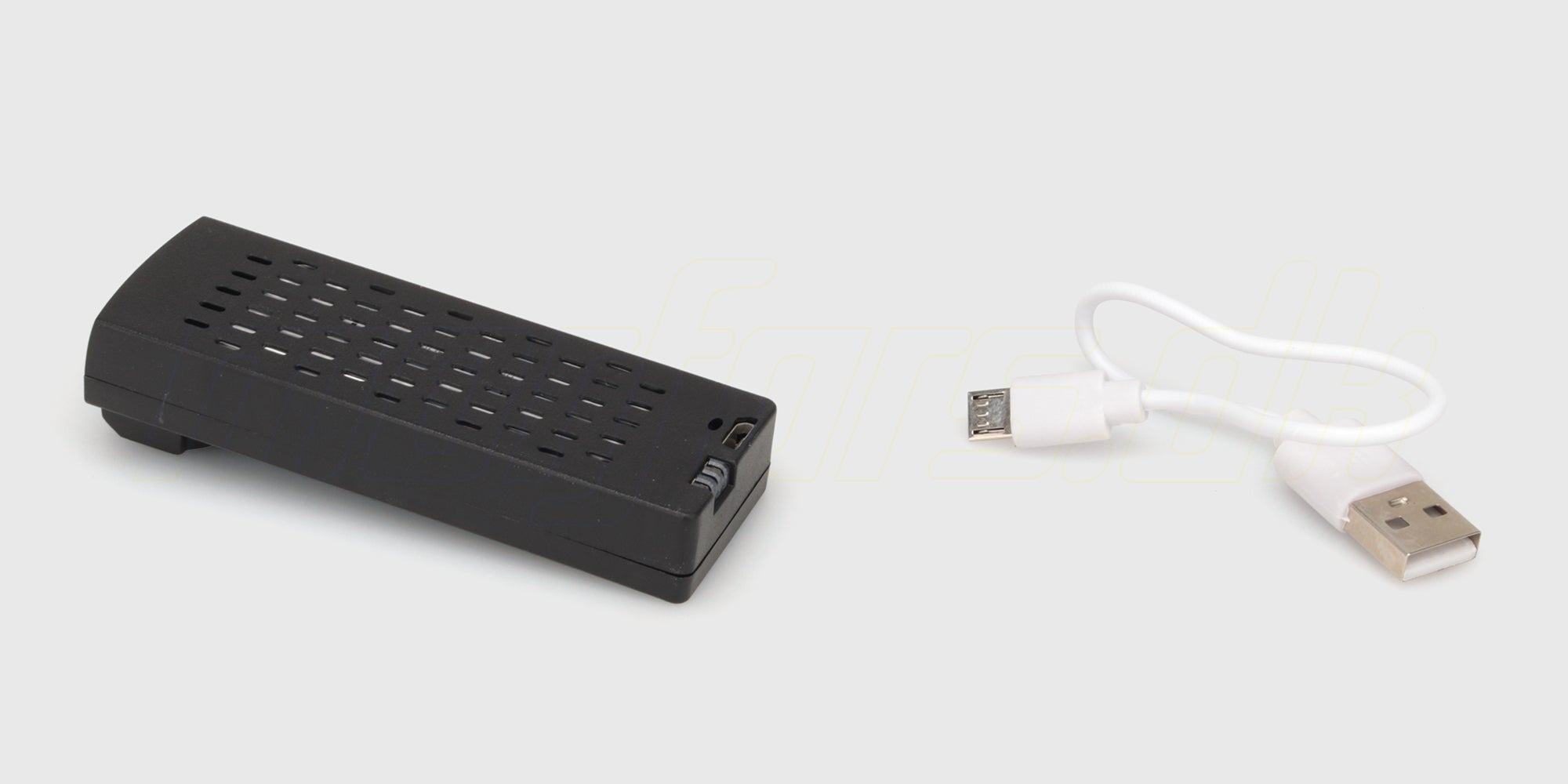
The drone comes assembled and ready to use. You'll only need a USB adapter for charging — the one from your smartphone will work. The transmitter is also charged via USB.
Smaller siblings
The M6 Zoomer shares many great features with the Drone GT3, which is smaller and more affordable. The M6 Zoomer is larger, comes with a case, and has a screen on the transmitter — if you want something more compact and cheaper, the GT3 is worth a look.
Drone regulations
Although the M6 Zoomer weighs under 250 grams, Danish drone regulations still apply. You must be registered as a drone pilot when there’s a camera on the drone. Check out droneregler.dk before your first flight.
Specifications
Size
160 mm
184 mm
46 mm
Range
Water resistant
Motor
Run time
Weight
Required accessories
USB-A Adapter
Battery and charger
Learn more about batteries and connectors, and don’t forget to check out the important battery information!
In the box

Drone

Battery pack

USB charging cable

Remote control

Spare parts

English user manual


Videoer

Get started with Drone M6 Zoomer
In this video, you can see how to use Drone M6 Zoomer. The video also includes plenty of tips and tricks.